
Documenting Patient Discharge Status
If your practice administrator has enabled the feature, you can now record a patient discharge status. This feature is intended for large ophthalmic centers, and statuses include such options as home, left against advice, and other healthcare facility. Here's how to record the discharge status on the web:
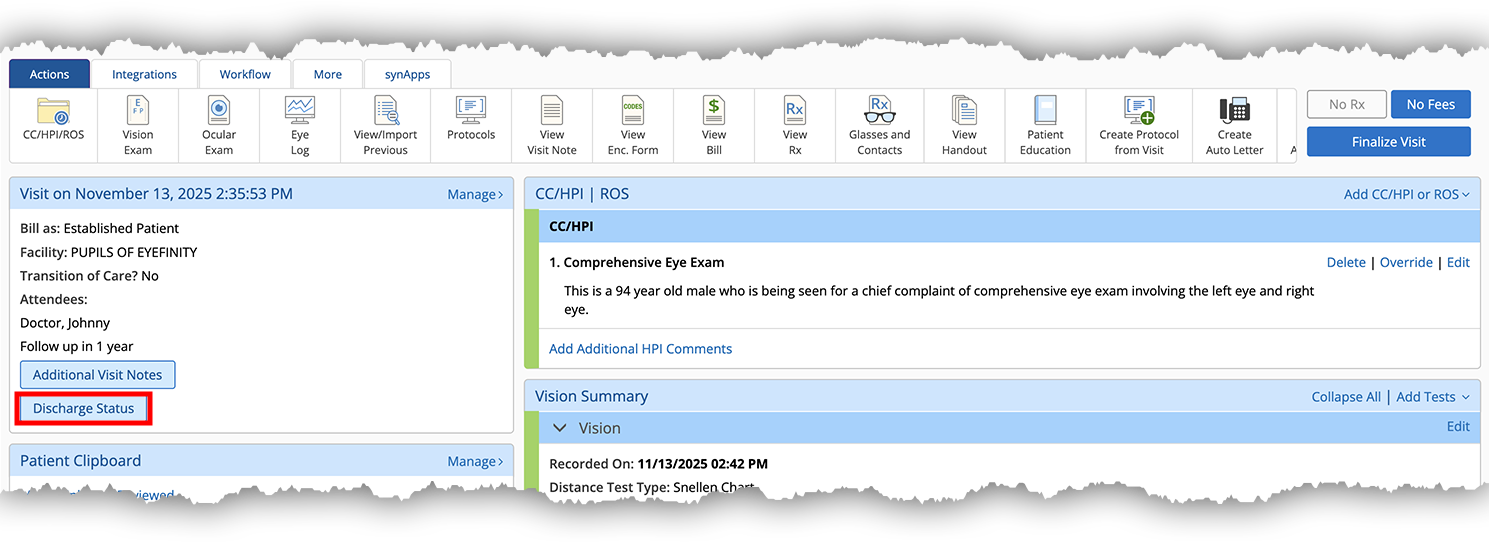
- In the Visit Overview page, locate the Visit card in the upper-left corner.
- Click Discharge Status.
The Discharge status popup window opens.
- Click the Encounter Disposition drop-down menu and select a discharge status.
- Click Save.
The discharge status renders on the visit note PDF.