Editing and Deleting Individual Medications in the Visit Overview (Web)
You can now edit and delete individual medication prescriptions prescribed during the visit directly in the Visit Overview. Here's how:
- In the Impressions and Plans section, locate the Prescription plan.
- Click Resume.
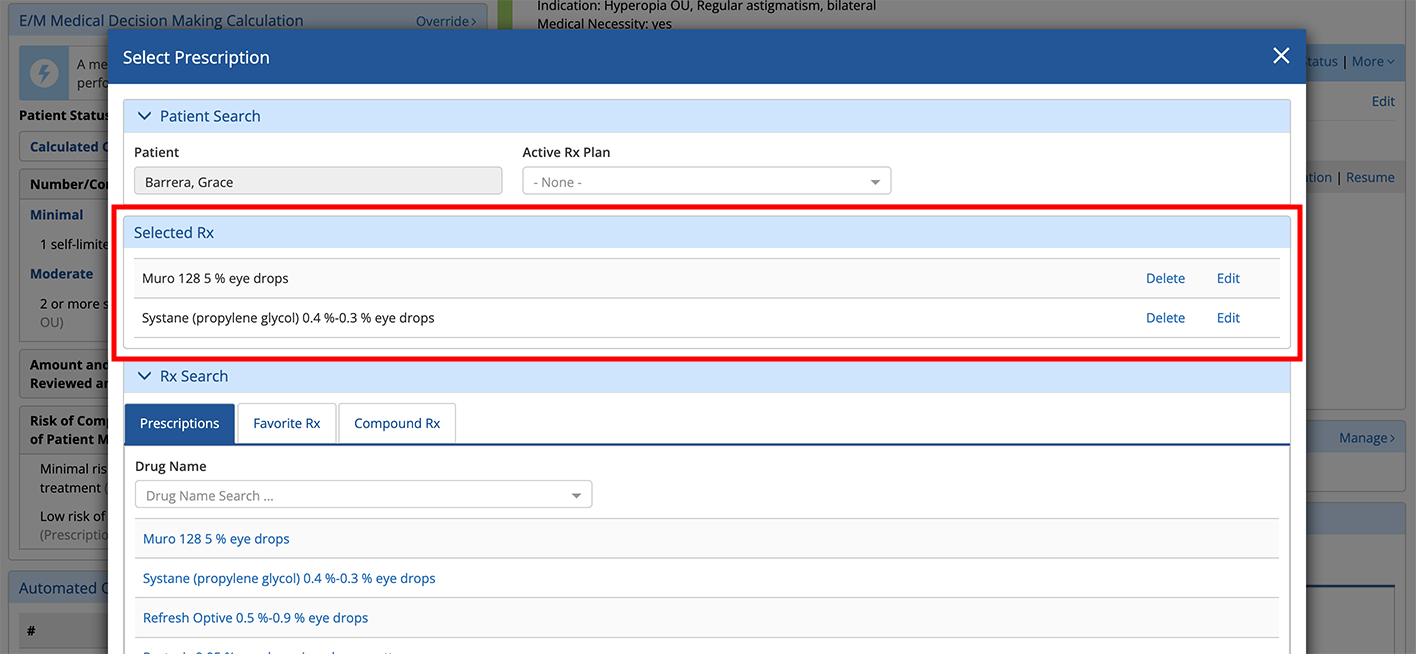
The Select Prescription window opens.
- Locate the new Selected Rx section of the window and click Edit or Delete.