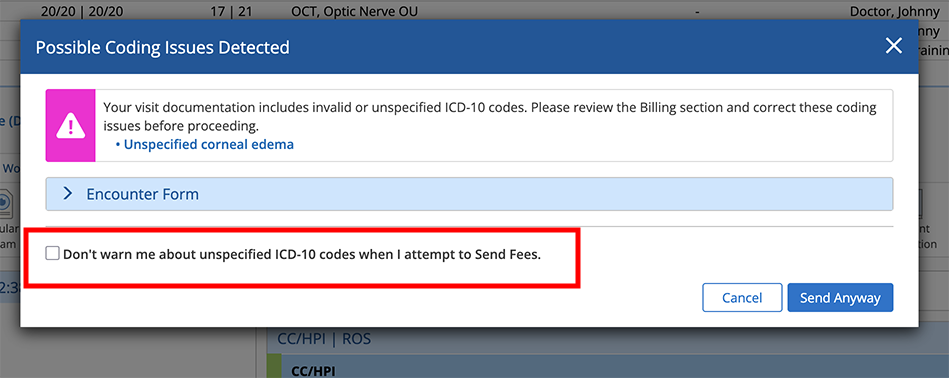
Managing Unspecified ICD-10 Code Warnings
Warnings about missing or unspecified ICD-10 codes are intended to improve billing and reduce claim rejections. However, you can enable clinical staff to opt out of seeing ICD-10 warnings when sending fees or finalizing visits. Here's how:
- Log in to the Encompass web application as an administrator.
- Locate the Firm Settings group and click Manage Firm Preferences.
- Scroll down to locate the Enable Providers to Opt Out of Unspecificed ICD-10 Code Warnings When Sending Fees section.
- Select the Enable Providers to Opt Out of Warnings check box.
When this check box is selected, clinical staff will see an option in their personal preferences and when sending fees to disable the ICD-10 warnings.