
Service Groups
Service Groups are used with service templates to recommend or limit the services offered when the template is applied.
You set up and manage service groups from the service template. See Setting Up Service Templates in Administration.
While added or editing a service template, click the Service Group button.
The Service Group Setup page displays. From here you can create a new group, edit an existing group or delete a group.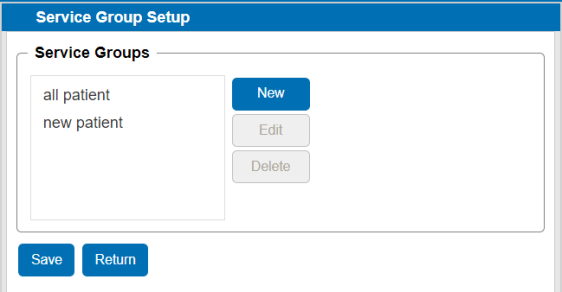
To return to the template, click Return.
-
From the Service Group Setup page, click New. A new group opens.

-
Enter a Group Name.
-
From the list of Services, select the Available checkbox to add the service to the service group. The list includes all of your defined services.
-
Once all services are selected, click Save. The group is added to the service group list and can be selected to use with a service template.
-
From the Service Group Setup page, select the group you want to edit and click Edit. The group opens.
-
Make the necessary edits. You can edit the group name and check the Available box to add a service or clear the checkbox to remove a service.
-
Click Save.
From the Service Group Setup page, select the group you want to remove and click Delete. The group is deleted.