Invalid Account and Missing Value Warning Descriptions
If you have an invalid account or you are missing Rx values, you will receive warning messages in VisionWeb. This section explains the warning messages and includes the following topics:
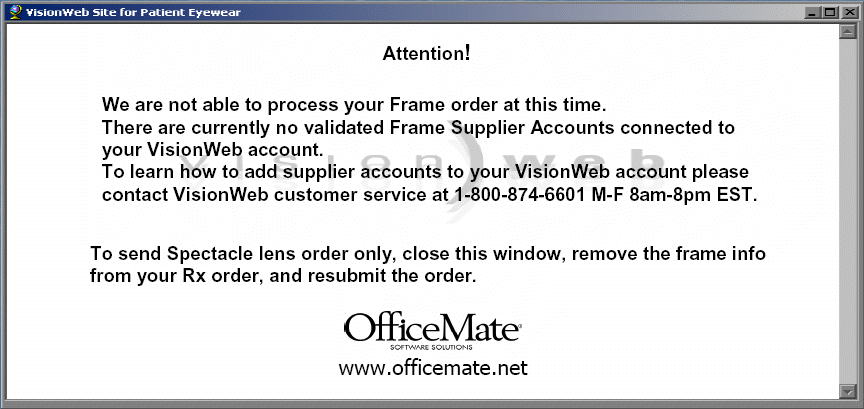
Invalid Account Warning
If you receive an invalid account warning message, contact VisionWeb at 800.874.6601.
Missing Value Warnings
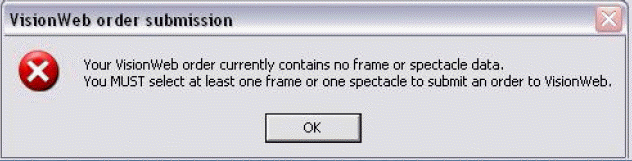
If you submit your VisionWeb order without frame or spectacle data, you will receive a missing value warning. Click OK and select at least one frame or one spectacle to submit to VisionWeb.
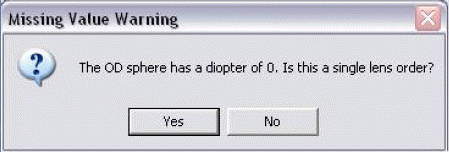
If you submit a sphere value of 0, you will receive a Missing Value Warning message. Click Yes if the value is correct or click No to enter a new sphere value.
If you submit a cylinder value when an axis value is 0, you will receive a Missing Value Warning message. Click Yes to continue saving the record.
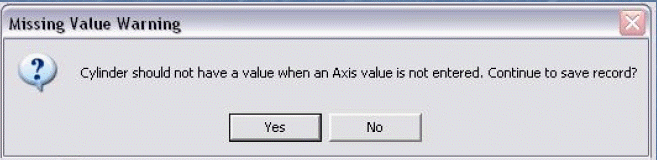
If you submit an axis value when a cylinder value is 0, you will receive a Missing Value Warning message. Click Yes to continue saving the record.
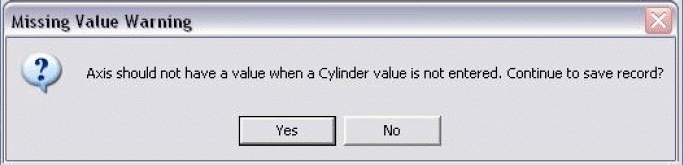
If you submit a segment height value without an add value, you will receive a Missing Value Warning message. Click Yes to continue saving the record.
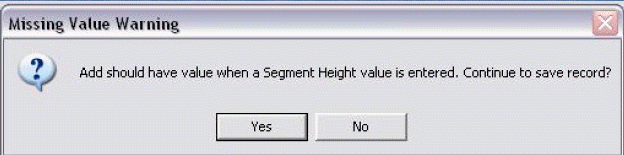
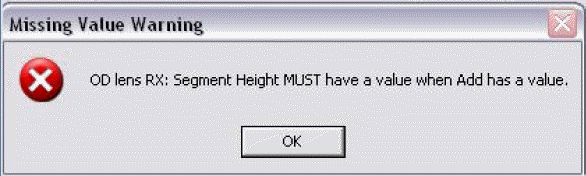
If you submit an add value without a segment height value, you will receive a Missing Value Warning message. Click OK to record a segment height value.