
What's New in Encompass 5.17
Release Date: November 24, 2019
Eyefinity announces the newest version of Encompass! In addition to resolving known issues in previous versions, this updated version improves upon its robust attributes and offers useful new features and expanded functionality. For additional information on Encompass features, training, and integration with practice management systems, visit www.eyefinity.com or call 800.942.5353.
For more detailed information on how to use the new features in Encompass 5.17, watch the recorded training tutorials.
This section includes:
Enhancements for Both iPad and Web
Both the Encompass iPad app and web application include enhancements in the following areas:
Contact Lenses
- The ABB contact lens catalog has been updated.
Rx
-
Patients are now required by Surescripts to have an address on file in order to be eligible for electronic prescriptions. If a patient does not have an address recorded in Encompass, you'll see a notification on the Rx screen, and you will not be able to select ePrescribe for their prescriptions.
- eCoupon and Prior Authorization indicators have been removed from the popular prescriptions list.
Web-Only Enhancements
Encompass web application includes enhancements in the following areas:
Analytics
-
You can now track metrics related to OfficeFlow at your practice using the OfficeFlow report. This report is located under Clinical and Operational Reports.
To view this report, as well as valuable year-end statistics for your practice, you'll need to enable Analytics from within administration. For more information, see Using Analytics.
Patient Portal
- Your patients can now request a prescription refill from the Medications tab within their Patient Portal. This feature is configured within the Manage Patient Portal Features section of administration and is set to OFF by default.
Protocols
-
You can now filter protocols by Category when applying them in the Ocular Exam Room.
For more information on categorizing protocols, see Modifying Protocol Categories.
Visit Overview
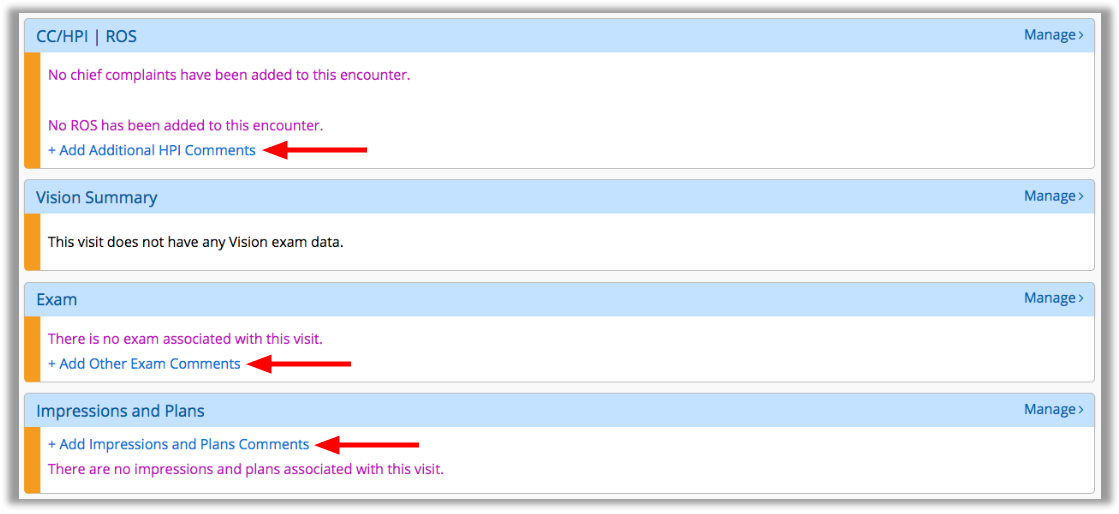
- You can now enter notes directly from the Visit Overview screen by clicking the following:
- +Add Additional HPI Comments. Enables you to type a note regarding the patient's HPI.
- +Add Other Exam Comments. Enables you to type a note regarding your eye exam findings.
+Add Impressions and Plans Comments. Enables you to type a note regarding the diagnoses/plans.
iPad-Only Enhancements
Encompass iPad application includes enhancements in the following areas:
Ocular Exam Room
-
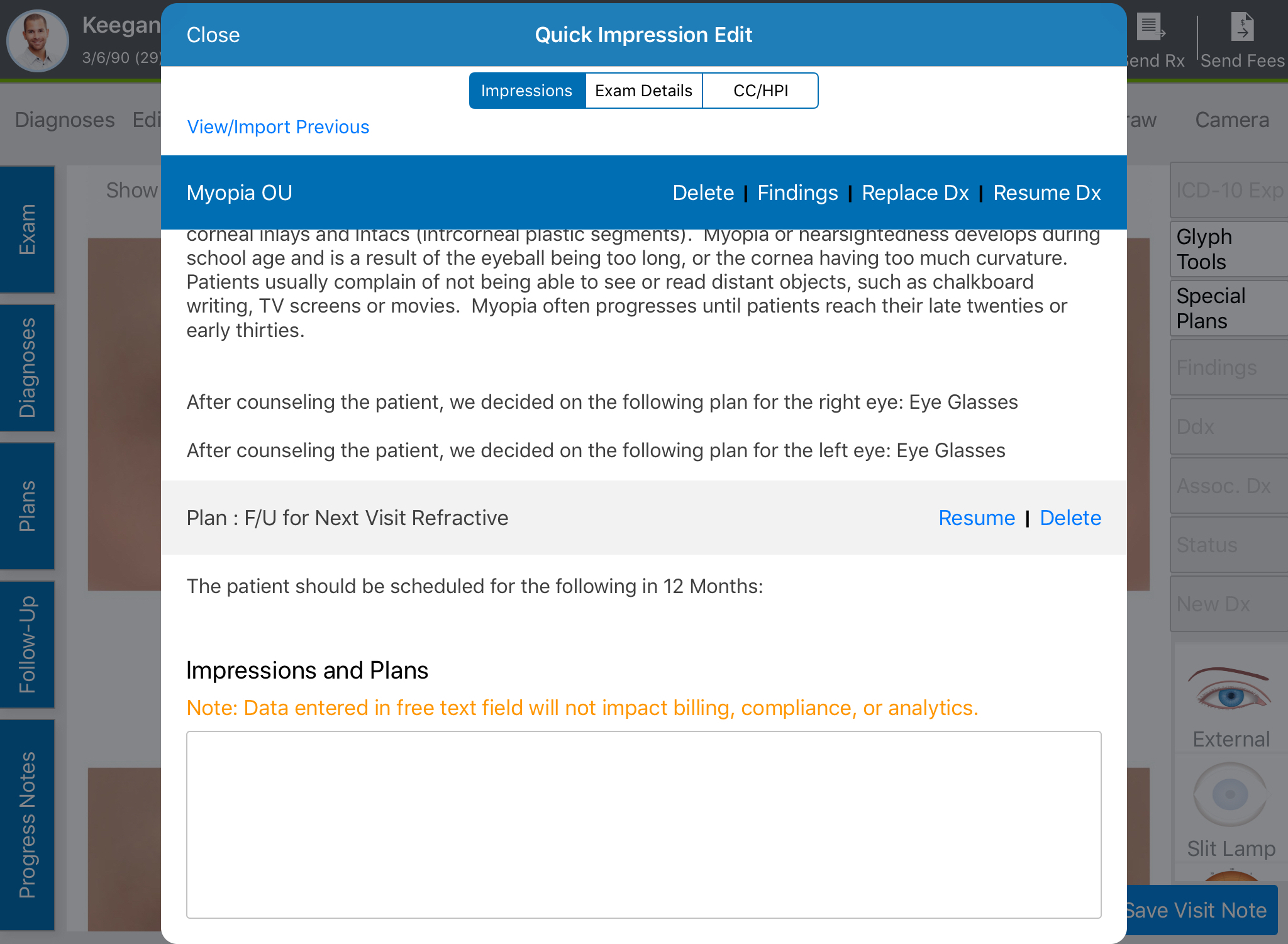
You can now enter text notes into the bottom of the Quick Impression Edit tab.
Patient Clipboard
- You can now select the specific CCD you want to import data from when reconciling Medications, Allergies, and/or Problem List entries.
Vision Exam
-
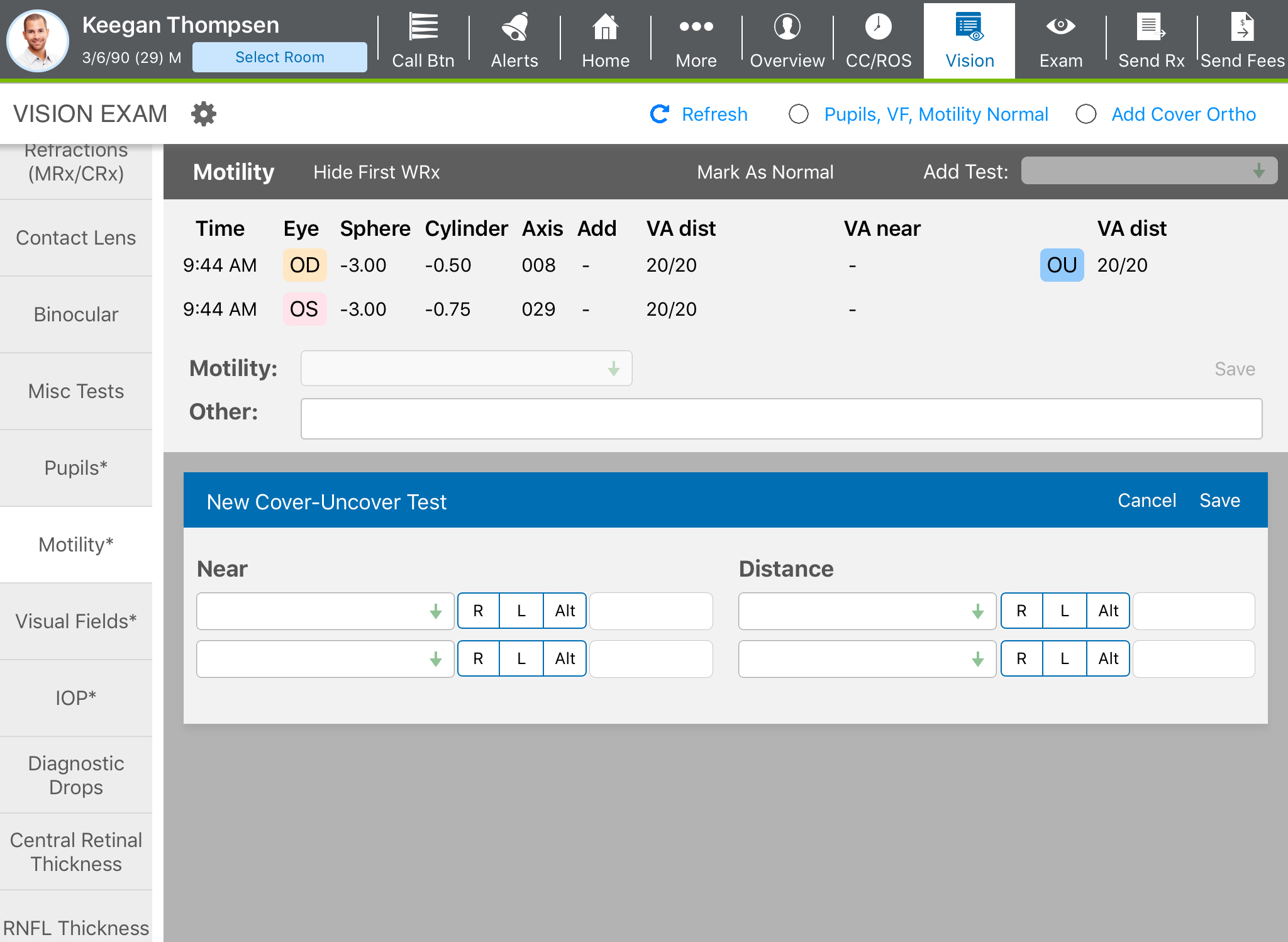
In the Motility section, you can now tap Show First WRx to display the patient's first recorded Wearing Rx for the visit.
Fixed Issues
Encompass fixes issues in the following areas:
Rx
- You can no longer accidentally select multiple actions for the same prescription.